
Array
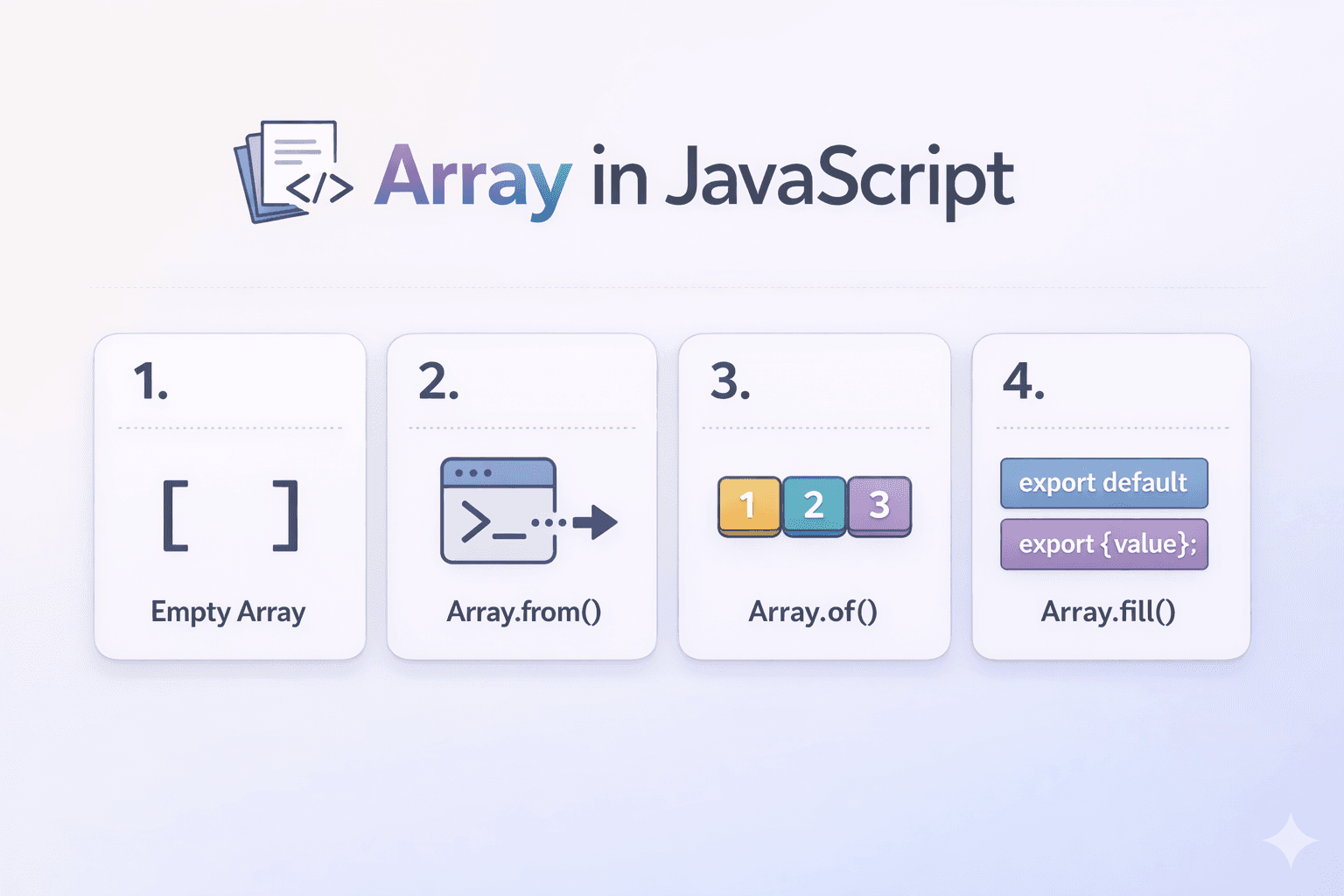
What arrays are and why we need them
An array is a data structure used to store multiple values in a single variable. Instead of creating many separate variables, you store related values together in an array.
JavaScript arrays can store different data types together (non-homogeneous).
JavaScript arrays are not type-restricted.
How to create an array
const numbers = [];                   // empty array
const data = [10, "Ravi", true];      // non-homogeneous array
Array.from()
Creates a new array from an iterable (like a string or NodeList).
const arr = Array.from("hello");
console.log(arr); // ["h", "e", "l", "l", "o"]
Array.of()
Creates a new array from the arguments provided.
const arr = Array.of(1, 2, 3);
console.log(arr); // [1, 2, 3]
Note the difference between Array(...) and Array.of(...):
console.log(Array(3));     // [ <3 empty items> ]  (creates empty slots)
console.log(Array.of(3));  // [3]                  (creates array with value 3)
Array.fill()
Fill an array with a static value.
const arr = new Array(5).fill(0);
console.log(arr); // [0, 0, 0, 0, 0]
Accessing elements using index
- Normal indexing
const numbers = [10, 20, 30, 40];
console.log(numbers[0]); // 10
console.log(numbers[3]); // 40
Nested arrays (matrix):
const matrix = [[1, 2], [3, 4]];
console.log(matrix[0][1]); // 2
- indexOf()
const movies = ['The Matrix', 'Inception', 'Interstellar (2014)', 'Tenet', 'Inception'];
console.log(movies.indexOf('Inception'));     // 1
console.log(movies.indexOf('Inception', 2));  // 4  (start searching from index 2)
- findIndex() Method
const movies = [
  { title: 'The Matrix', year: 1999, rating: 8.7 },
  { title: 'Inception', year: 2010, rating: 8.8 },
  { title: 'Interstellar', year: 2014, rating: 8.6 },
  { title: 'Tenet', year: 2020, rating: 7.5 }
];

// Find index of a movie by title
const inceptionIndex = movies.findIndex(movie => movie.title === 'Inception');
console.log(inceptionIndex);  // 1
Array length property in JavaScript
length returns the number of elements in an array (including empty slots in sparse arrays).length is mutable — you can change it to truncate or expand arrays.
Be careful with sparse arrays — length counts empty slots.
- Basic usage
let movies = ['The Matrix', 'Inception', 'Interstellar'];
console.log(movies.length);  // 3

let emptyArray = [];
console.log(emptyArray.length);  // 0

let mixedArray = [42, 'hello', true, null, { name: 'John' }];
console.log(mixedArray.length);  // 5
- Length is mutable
let movies = ['The Matrix', 'Inception'];
console.log(movies.length);  // 2

movies.length = 5;
console.log(movies);         // ['The Matrix', 'Inception', <3 empty items>]
console.log(movies.length);  // 5
console.log(movies[2]);      // undefined (empty slot)
- Decreasing length (truncates the array)
movies.length = 2;
console.log(movies);  // ['The Matrix', 'Inception'] (last items removed)
console.log(movies[2]);  // undefined
- Clearing an array using
length
let movies = ['The Matrix', 'Inception', 'Interstellar'];
movies.length = 0;
console.log(movies);  // [] (empty array)
- Length and index relationship
let movies = ['The Matrix', 'Inception', 'Interstellar'];
console.log(movies.length - 1);        // 2 (last index)
console.log(movies[movies.length - 1]); // 'Interstellar' (last element)
- Automatic length updates
let movies = ['The Matrix', 'Inception'];
console.log(movies.length);  // 2

// Adding elements
movies.push('Interstellar');
console.log(movies.length);  // 3

movies[5] = 'Tenet';  // Adding at index 5
console.log(movies.length);  // 6 (indices 3 and 4 are empty)
console.log(movies);  // ['The Matrix', 'Inception', 'Interstellar', <2 empty items>, 'Tenet']

// Removing elements
movies.pop();
console.log(movies.length);  // 5

movies.shift();
console.log(movies.length);  // 4
Updating elements
- Direct assignment by index
let movies = ['The Matrix', 'Inception', 'Interstellar'];
movies[1] = 'The Dark Knight';
console.log(movies); // ['The Matrix', 'The Dark Knight', 'Interstellar']
- Using
splice()to replace elements
let numbers = [10, 20, 30, 40];
numbers.splice(2, 1, 99);   // at index 2, remove 1 element, insert 99
console.log(numbers);       // [10, 20, 99, 40]
- Updating elements in an array of objects
let users = [
  { id: 1, name: 'Alice' },
  { id: 2, name: 'Bob' },
  { id: 3, name: 'Charlie' }
];

// Update the name of the user at index 1
users[1].name = 'Robert';
console.log(users[1]); // { id: 2, name: 'Robert' }

let index = users.findIndex(user => user.id === 3);
if (index !== -1) {
  users[index].name = 'Charles';
}
console.log(users[2]); // { id: 3, name: 'Charles' }
Basic looping over arrays
const movies = [
  { title: 'The Matrix', rating: 8.7 },
  { title: 'Inception', rating: 8.8 },
  { title: 'Interstellar', rating: 8.6 },
  { title: 'Tenet', rating: 7.5 }
];

// Traditional for loop
for (let i = 0; i < movies.length; i++) {
  console.log(`\({i + 1}. \){movies[i].title} (Rating: ${movies[i].rating})`);
}
Output:
1. The Matrix (Rating: 8.7)
2. Inception (Rating: 8.8)
3. Interstellar (Rating: 8.6)
4. Tenet (Rating: 7.5)
Summary
[] vs Array(4)
Arrays are 0 - based (first element index = 0)
Decreasing length truncates the array (set
lengthsmaller)Mutating methods:
push,pop,shift,unshift,spliceNon-mutating methods:
concat,slice,flat,flatMapSearching:
indexOf,includes,find,findIndexCheck datatype:
Array.isArray()